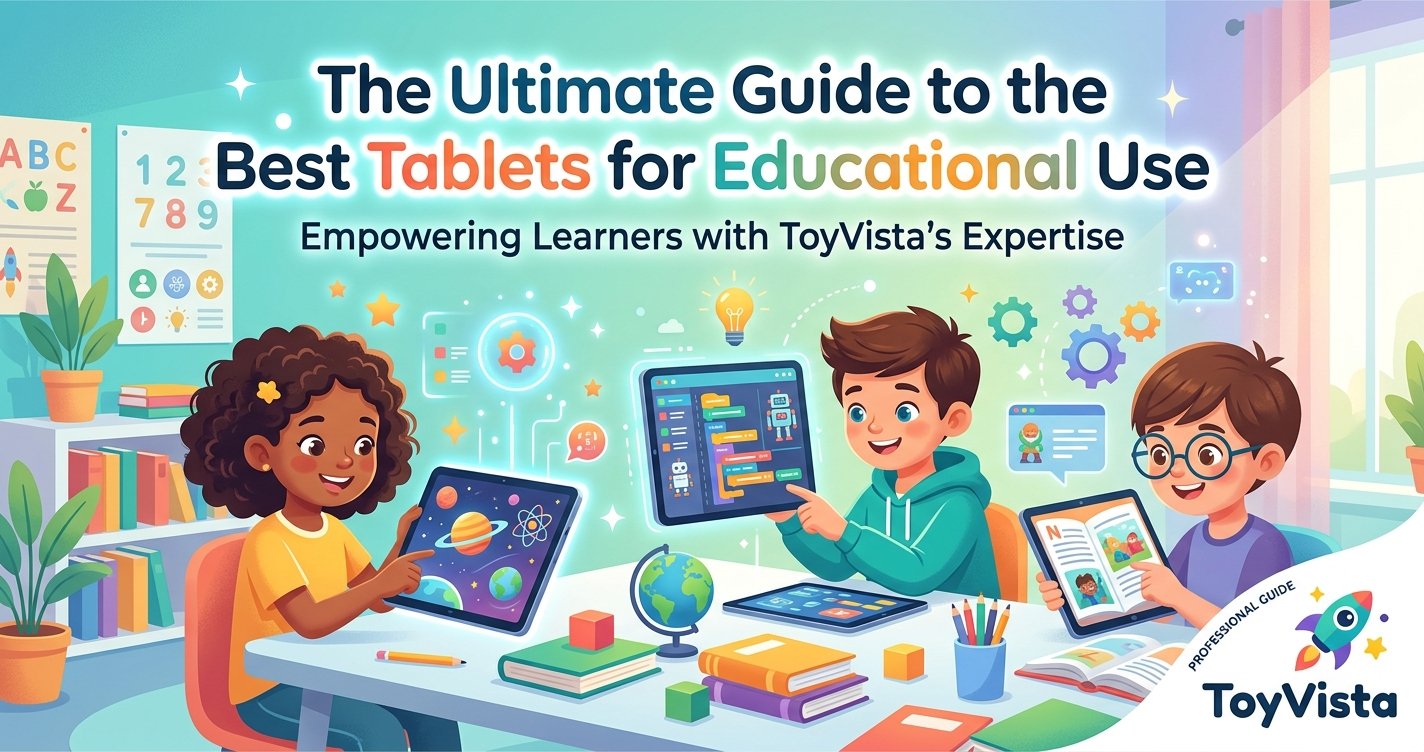
In an era defined by rapid technological advancements, the landscape of education is continually evolving. Gone are the days when textbooks and chalkboards were the sole pillars of learning. Today, digital tools have seamlessly integrated into classrooms and homes, transforming how students engage with knowledge. Among these tools, the tablet stands out as a versatile, powerful, and increasingly indispensable device for educational use. At ToyVista, a leading expert in educational toys and learning solutions, we understand the profound impact that the right technology can have on a child's development and academic success. That's why we've compiled this comprehensive guide to help you navigate the myriad options and discover the best tablets for educational use, ensuring your child is equipped for success in the digital age.
Why Tablets Are Essential for Modern Education
Tablets are far more than just entertainment devices; they are dynamic learning platforms that offer a multitude of benefits for students of all ages. Their intuitive interfaces, portability, and access to a vast ecosystem of educational content make them invaluable assets in both formal and informal learning environments.
Enhanced Learning Experiences
Tablets bring learning to life through interactive apps, simulations, and multimedia content. Unlike static textbooks, tablets can offer animated explanations, virtual field trips, and hands-on experiments that cater to different learning styles. Visual learners can benefit from engaging videos and diagrams, while kinesthetic learners can interact directly with educational games and virtual manipulatives. This dynamic engagement helps students grasp complex concepts more easily and retain information more effectively.
Access to Vast Resources
With an internet connection, a tablet becomes a gateway to an almost limitless library of educational resources. Students can access e-books, online courses, research databases, academic journals, and educational websites from anywhere. This immediate access to information fosters independent learning, critical thinking, and research skills, preparing students for higher education and future careers.
Fostering Digital Literacy
In today's world, digital literacy is as crucial as traditional literacy. Using tablets for educational purposes helps students develop essential digital skills, including navigating interfaces, managing files, understanding online safety, and utilizing productivity tools. These skills are vital for success in academics, future careers, and everyday life in a technology-driven society.
Portability and Convenience
Tablets are lightweight and compact, making them ideal for students on the go. Whether it's for homework at home, projects at school, or learning during travel, a tablet provides a portable learning hub. This convenience ensures that learning doesn't have to be confined to a desk, promoting flexibility and continuous engagement with educational material.
Key Features to Look for in an Educational Tablet
Choosing the right tablet for educational use involves more than just picking the latest model. It requires a thoughtful consideration of features that align with learning objectives, user age, and budget. Here’s what to prioritize:
Performance and Processing Power
A responsive tablet with a capable processor is crucial for smooth multitasking, running demanding educational apps, and quick loading times. Lagging performance can lead to frustration and hinder the learning process. Look for tablets with modern chipsets and sufficient RAM to handle various educational tasks without a hitch.
Screen Quality and Size
The display is where students will spend most of their time. A high-resolution screen with good color accuracy and brightness is essential for comfortable reading, viewing multimedia, and reducing eye strain. Screen size is also important; larger screens (10 inches or more) are often preferred for reading textbooks, taking notes, and detailed work, while smaller tablets might be better for younger children due to ease of handling.
Battery Life
Long battery life is vital for uninterrupted learning, especially during long school days or extended study sessions without access to charging. Aim for tablets that offer at least 8-10 hours of active use on a single charge.
Durability and Build Quality
Children and students can be tough on devices. A durable tablet, possibly with a rugged case or reinforced design, can withstand accidental drops and spills. Consider models known for their robust build or invest in quality protective accessories.
Operating System and App Ecosystem
The choice of operating system (iOS, Android, or Windows) dictates the availability of apps and overall user experience. iOS (Apple iPads) boasts a vast library of high-quality educational apps, often curated for learning. Android tablets offer more variety in hardware and price points, with access to a massive app store. Windows tablets (often 2-in-1 devices) are excellent for productivity, running full desktop software, and integrating seamlessly with Microsoft Office suites.
Storage Capacity
Educational apps, e-books, notes, and projects can quickly consume storage space. Opt for a tablet with ample internal storage (at least 64GB, preferably 128GB or more) or one that supports expandable storage via microSD cards to accommodate growing needs.
Parental Controls and Security Features
For younger learners, robust parental controls are non-negotiable. These features allow parents to manage screen time, restrict access to inappropriate content, approve app downloads, and monitor usage. Strong security features also protect personal data and ensure a safe online learning environment.
Connectivity Options
Wi-Fi is standard, but consider whether cellular connectivity (4G/5G) is necessary for learning on the go without a Wi-Fi hotspot. Bluetooth is also important for connecting peripherals like keyboards, mice, or headphones.
Top Picks: Best Tablets for Educational Use
While specific models change frequently, we can categorize the best options based on their strengths and target users. Understanding these categories will help you narrow down your choices.
Premium All-Rounders: The iPad Series
Apple's iPads are consistently at the top of many educational technology lists, and for good reason. They offer unparalleled performance, a vast and high-quality app ecosystem optimized for learning, robust security features, and excellent screen quality. Models like the iPad Air or the standard iPad are fantastic choices for students from elementary to high school, and even college. They support accessories like the Apple Pencil for note-taking and drawing, and external keyboards for productivity, making them versatile tools for virtually any subject.
Best for Budget-Conscious Learners: Mid-Range Android Tablets
For those on a tighter budget, several Android tablets offer excellent value without compromising too much on educational utility. Brands like Samsung (Galaxy Tab series), Lenovo, and Amazon (Fire HD tablets, especially the Kids editions) provide reliable performance, decent screens, and access to the Google Play Store's extensive app library. Amazon Fire tablets, in particular, come with kid-friendly interfaces, robust parental controls, and a year of Amazon Kids+ content, making them ideal for younger learners, though their app selection is more curated.
Ideal for STEM & Creativity: High-Performance Tablets with Stylus Support
For students delving into STEM subjects, digital art, or intricate note-taking, a tablet that supports a high-quality stylus is paramount. Devices like the iPad Pro, Samsung Galaxy Tab S series, or Microsoft Surface Pro offer precision styluses (like the Apple Pencil, S Pen, or Surface Pen) that mimic the feel of pen on paper. These tablets often boast powerful processors capable of running demanding design software, coding environments, and complex simulations. While tablets provide a window to digital learning, they also brilliantly complement hands-on educational tools. Imagine a student using their tablet to program a robot, then watching their code come to life. Tools like this top-rated robotic building kit offer an unparalleled opportunity to blend digital learning with physical creation, fostering critical thinking and problem-solving skills in a fun, engaging way. This synergy between digital and physical learning empowers students to explore, experiment, and innovate, solidifying abstract concepts through tangible experiences.
Great for Productivity and Hybrid Learning: Windows 2-in-1 Tablets
Microsoft Surface devices and other Windows 2-in-1 tablets bridge the gap between tablets and laptops. Running a full version of Windows, they can handle traditional desktop applications like Microsoft Office Suite, specialized software, and web browsing with ease. When paired with a detachable keyboard, they transform into capable laptops, making them excellent for older students and college learners who need to write extensive papers, create presentations, and manage complex projects while still enjoying the portability of a tablet.
Integrating Tablets into the Learning Journey: Tips for Parents and Educators
Simply providing a tablet isn't enough; effective integration into the learning process is key to maximizing its benefits.
Balancing Screen Time
While tablets are powerful educational tools, it's crucial to establish healthy screen time habits. Encourage breaks, outdoor play, and non-digital activities to ensure a balanced lifestyle. Many tablets offer built-in tools to monitor and limit screen usage, which can be invaluable.
Curating Educational Content
Not all digital content is created equal. Actively seek out high-quality educational apps, reputable websites, and age-appropriate e-books that align with learning goals. ToyVista regularly reviews and recommends educational resources, helping you make informed choices.
Encouraging Interactive Learning
Guide students to use their tablets for more than just passive consumption. Encourage them to create presentations, write stories, program simple games, conduct research, and collaborate on projects. The tablet should be a tool for active learning and creation, not just consumption.
Regular Maintenance and Updates
Keep the tablet's operating system and apps updated to ensure optimal performance, security, and access to the latest features. Regularly clear unnecessary files and close background apps to maintain speed and efficiency.
The Future of Learning: Beyond the Tablet
As technology continues to advance, the future of educational tools promises even more immersive and personalized experiences. Augmented Reality (AR) and Virtual Reality (VR) are already beginning to make their way into educational settings, offering virtual field trips to ancient civilizations or allowing students to dissect a virtual frog. Interactive whiteboards and AI-powered tutoring systems are also gaining traction. At ToyVista, we are constantly exploring these emerging technologies, ensuring that we remain at the forefront of providing innovative educational solutions that prepare children not just for today's world, but for the world of tomorrow. The tablet, however, will likely remain a foundational device, adapting and integrating with these newer technologies to create a truly holistic learning ecosystem.
Conclusion: Empowering Every Learner with the Right Tablet
Choosing the best tablet for educational use is a significant investment in a child's future. By carefully considering features like performance, screen quality, durability, and the app ecosystem, parents and educators can select a device that truly enhances the learning experience. From fostering digital literacy to providing access to a universe of knowledge, a well-chosen tablet is a powerful ally in the educational journey. At ToyVista, we are committed to helping you make informed decisions, offering insights and resources to empower every learner. Explore our extensive range of educational toys and tech accessories designed to complement digital learning and inspire curiosity. With the right tools, every child can unlock their full potential and embark on a lifelong adventure of discovery.